Compact gaming PC vs gaming laptop.
Both solve the same basic problem — getting gaming performance into less space — but they solve it in very different ways. The right choice depends on whether you need true all-in-one portability or a small desktop that will mostly stay in one place.
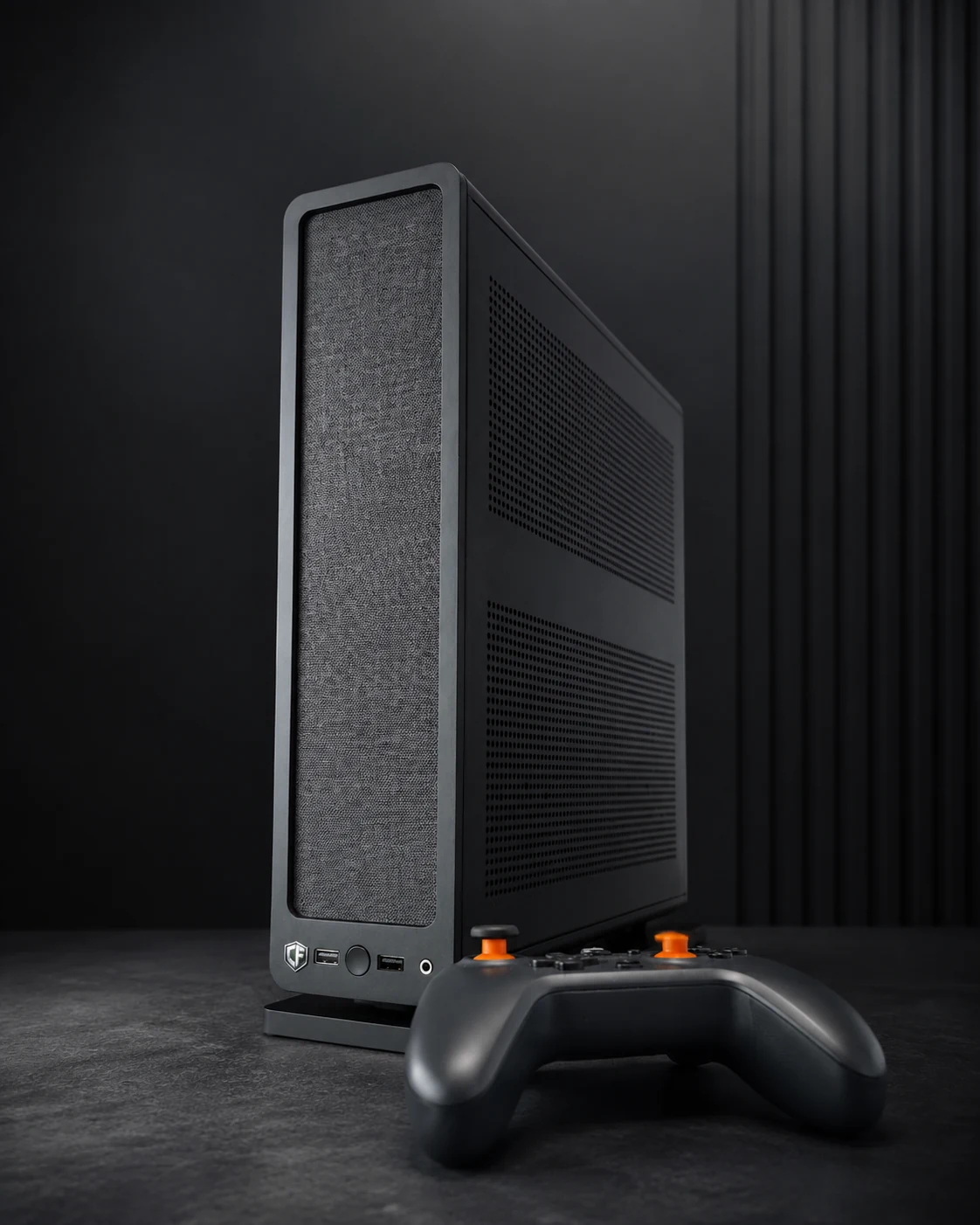
Choose the format around how you actually move and use the machine.
Choose a gaming laptop if…
- You regularly carry the computer between rooms, work, university or travel.
- You need the screen, keyboard, trackpad and battery built into one device.
- You want to work or study away from a desk without carrying extra peripherals.
- You value true grab-and-go portability above component flexibility.
Choose a compact gaming PC if…
- The machine will mostly stay at a desk, TV or fixed small-space setup.
- You already use a monitor or television and prefer separate peripherals.
- You want more standard desktop hardware and more practical repair or upgrade options.
- You want a small system for a bedroom, student room, LAN party or living-room setup without using a full tower.
Where each format wins.
| Area | Compact gaming PC | Gaming laptop |
|---|---|---|
| Portability | Portable compared with a tower, but still needs external power, display and controls. | Best for true all-in-one portability. |
| Desk footprint | Very small chassis options can free up desk or floor space. | Compact overall, although the whole laptop occupies desk surface while in use. |
| Display choice | Use whatever monitor, TV or projector suits the setup. | Built-in display is convenient, with external displays optional. |
| Repairability | Usually uses more standard PC components, although small cases impose compatibility limits. | Often more integrated and model-specific. |
| Upgrades | Typically more practical for storage, memory and sometimes CPU/GPU changes, depending on the enclosure. | Usually more limited, often to storage and memory on models that permit it. |
| Battery use | Requires external power. | Can operate away from mains for general use, although high-performance gaming is usually better while plugged in. |
| Living-room / TV use | Easy to treat like a console-style Windows PC with controller support. | Works well too, but the built-in screen and keyboard may be redundant in a permanent TV setup. |
| One-device convenience | Needs separate display and input devices. | Screen, keyboard, pointing device and battery are integrated. |
Student accommodation is where the choice gets interesting.
Laptop: better if it leaves the room every day
If you take the same computer to lectures, the library, work or home, a gaming laptop is difficult to beat for convenience. You close the lid and take the whole system with you.
Compact desktop: better if the gaming PC stays put
If you already have a lighter laptop or tablet for lectures and the gaming machine stays in your room, a compact desktop can make better use of a permanent monitor or TV setup while avoiding a large tower.
See our guide to gaming PCs for student accommodation and small bedrooms.
Two compact desktop approaches.
Console Forge Mini
The Mini is the smallest Console Forge system. Its Ryzen 7 5700G and integrated Radeon Vega 8 graphics suit 1080p esports, indie titles, emulation, older games and lighter modern gaming.
It makes the most sense when the footprint itself is the priority.
Console Forge Ridge
The Ridge is the performance-focused model, combining a Ryzen 7 5700X with Radeon RX 9060 XT 16GB graphics in a slim Fractal Ridge chassis.
It is designed for high-frame-rate esports, 1440p AAA gaming, ray tracing and 4K gaming in lighter competitive titles.
Compact desktops make the most sense when the setup has a home.
Small bedrooms
A compact desktop can sit beside or behind a monitor, under a raised display or next to a TV without using the floor space of a traditional tower.
LAN parties
Small desktop systems are easier to carry than full-size towers and leave more room on shared tables.
Campervans & motorhomes
A compact desktop can work well in a vehicle setup when suitable power, ventilation and secure placement are available.
Compact PC vs laptop questions
Not automatically. Performance depends on the exact CPU and GPU in each machine. The important distinction is form factor: compact desktops can use desktop components and cooling layouts, while gaming laptops package everything into a mobile chassis.
Compared with a full-size tower, yes. But it is not a laptop: you still need power, a display and controls wherever you set it up.
A compact desktop normally uses more standard PC hardware and is generally more serviceable, though mini-ITX cases can restrict component dimensions and cooling choices.
A compact desktop is particularly natural beside a TV because the separate screen is already part of the setup. Steam Big Picture and a controller can make it feel console-like while retaining Windows PC flexibility.
If the PC mostly stays put, it does not have to be a laptop — or a tower.
Compare our compact Windows gaming PCs and choose around the games you play and the space you actually have.